Learning Hub / Tutorials / 3CX / 3CX Adjusting Inbound Call DisplayFAQs
Tutorials: 3CX Adjusting Inbound Call Display
This guide reviews how to change/adjust the Inbound Caller ID in 3CX to display additional information such as Queue or Ring Group name, SIP Trunk Name, Contact Name, and Inbound CNAM.
Required Access: 3CX
Last Updated: 1/23/2025
Navigate to your 3CX system.
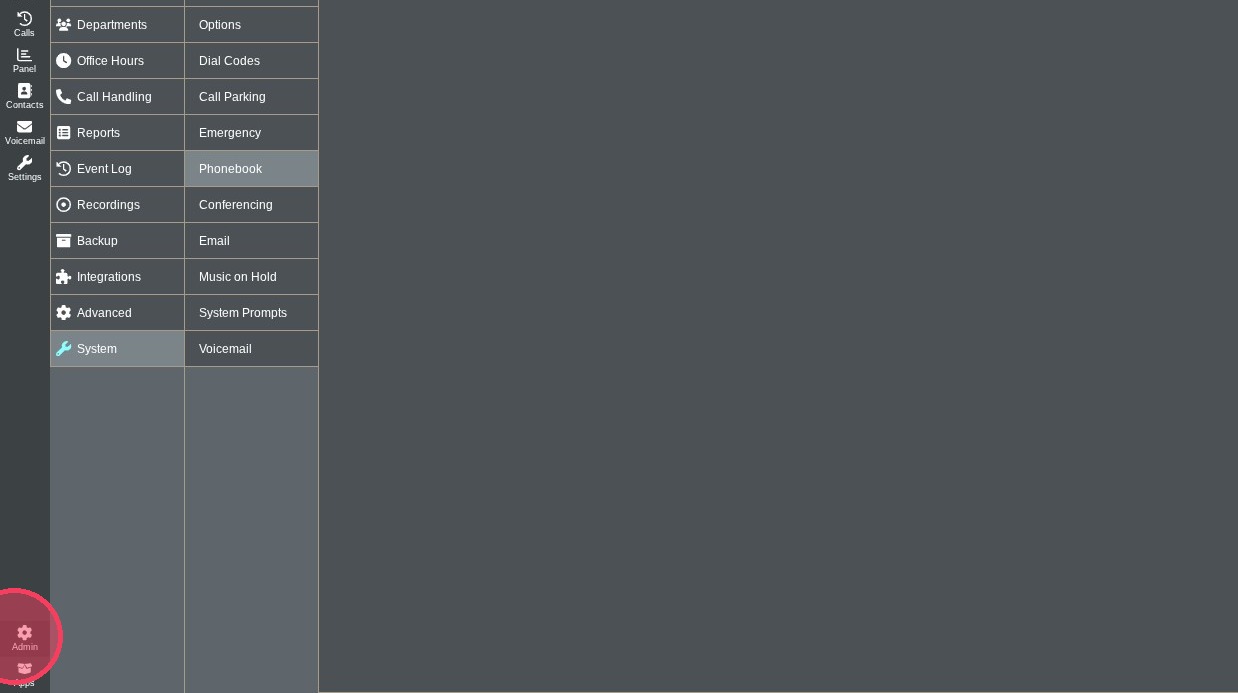
Click "Admin".
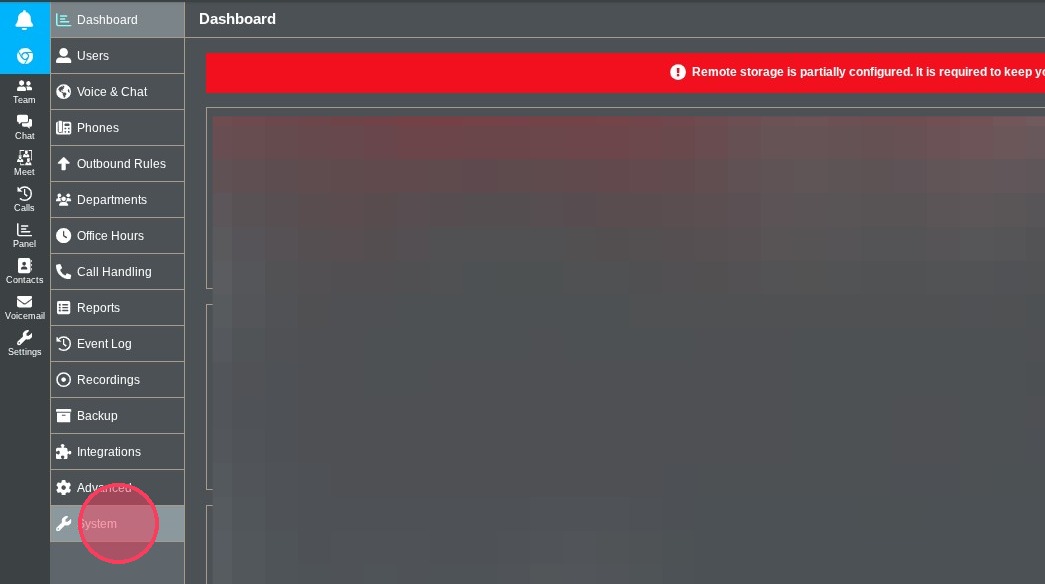
Click "System".
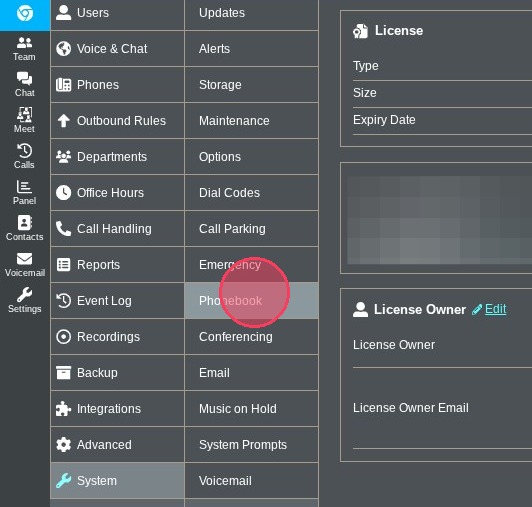
Click "Phonebook".
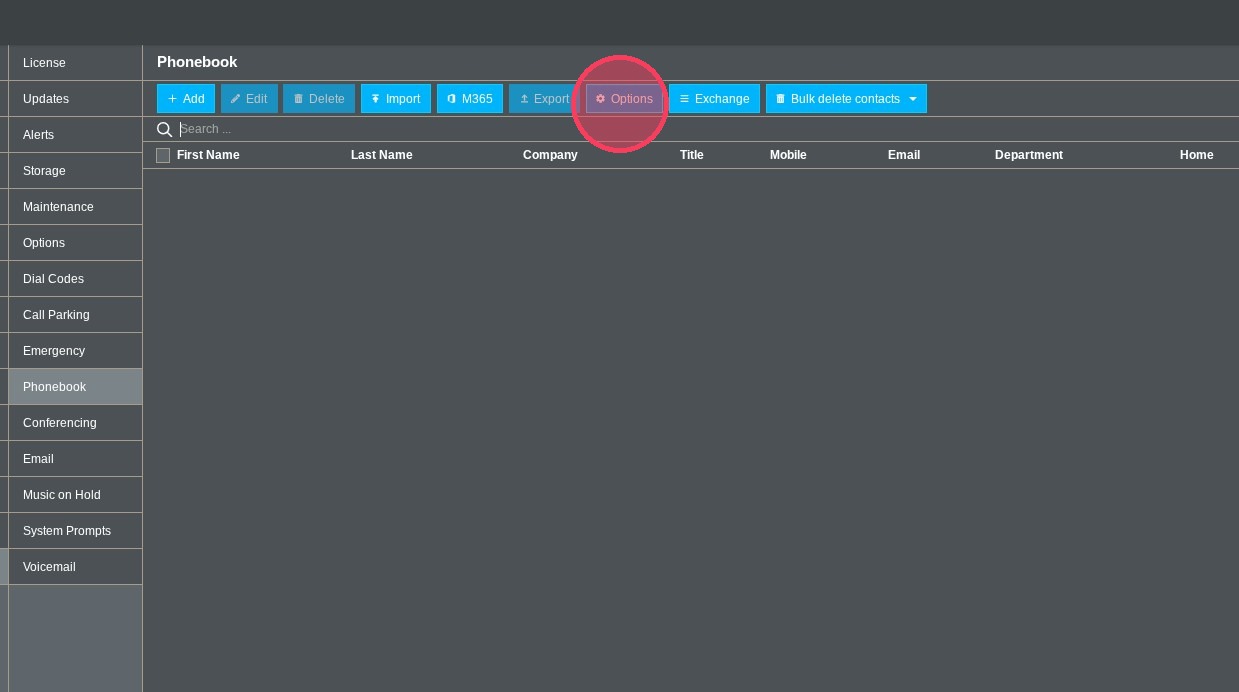
In the Phonebook tab, click "Options".
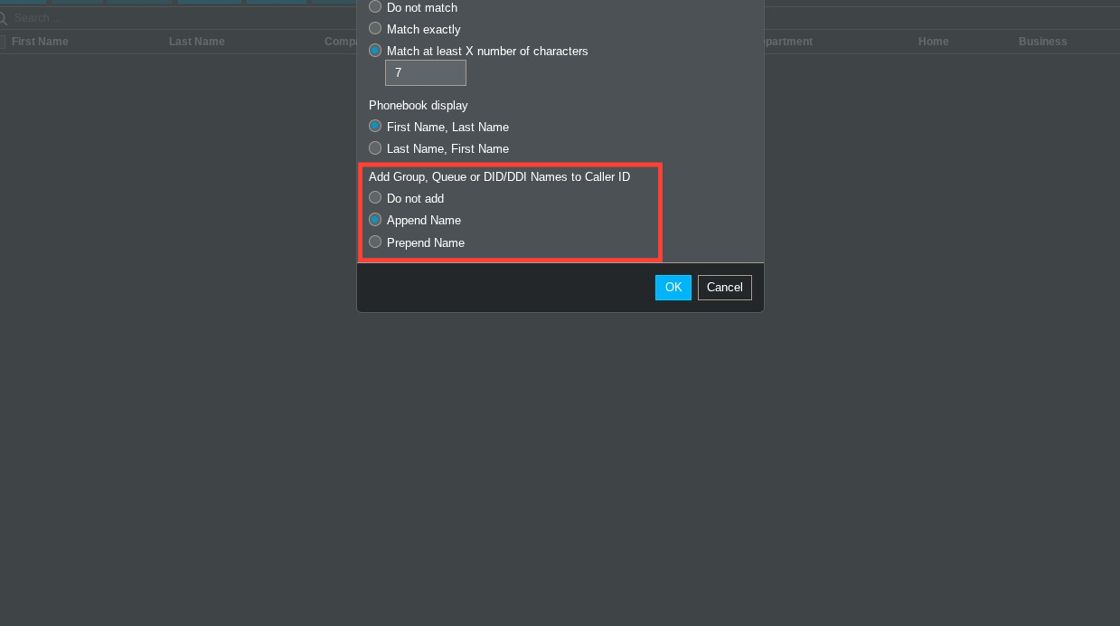
The section labeled "Add Group, Queue or DID/DDI Names to Caller ID" lets you add the information (Queue or Ring Group name, SIP Trunk name, Contact name, and Inbound CNAM) before or after the phone number:
- Do not add: Will only display the phone number.
- Append Name: Will add any extra information after the phone number.
- Prepend Name: Will add any extra information before the phone number.
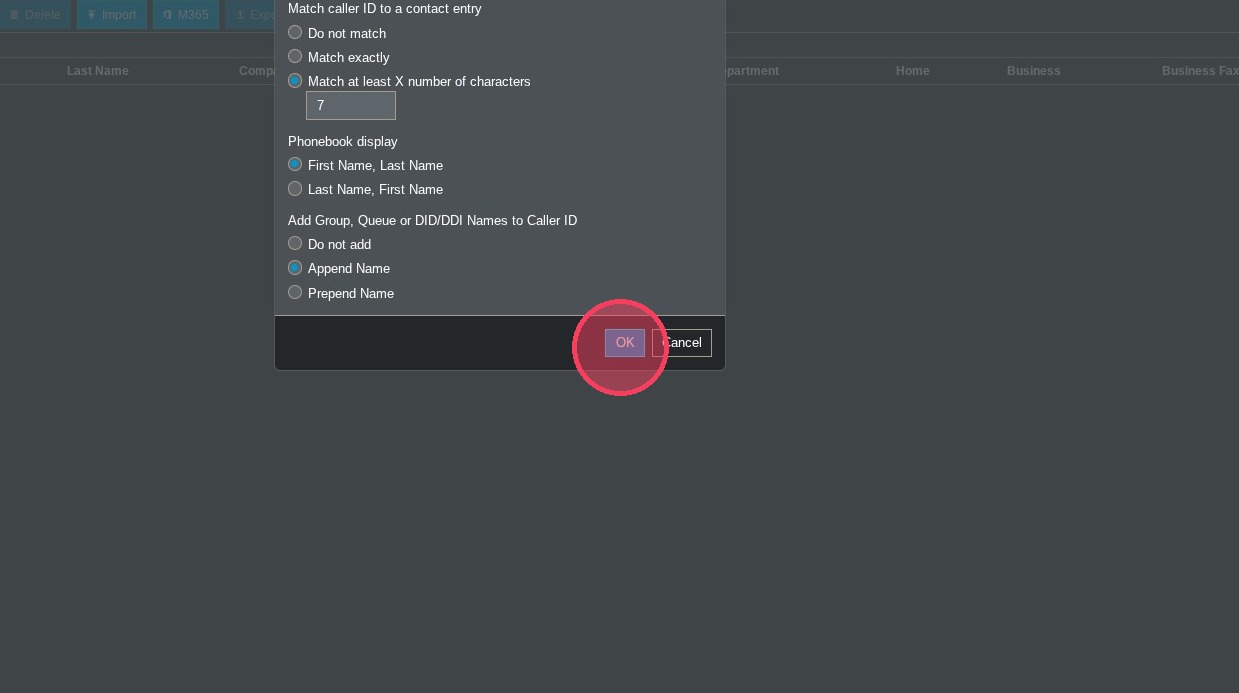
Click "OK" to save your edits.
Learning Hub / Tutorials / 3CX / 3CX Adjusting Inbound Call DisplayFAQs